Private Instagram Viewer Scams: From Fake Login to Account Takeover

A lot of scams do not look like scams. They look like a shortcut. That is why the “private viewer” pitch still works, even on people who know better.
When someone searches private Instagram viewer, it often happens in a hurry. Maybe a parent is worried about a teen’s new “friend.” Maybe a buyer looks suspicious. Maybe someone just wants closure after a breakup. Scammers love that mood, because rushed clicks beat careful thinking.
This post shows how phishing works in real life, in simple terms. It also covers early warning signs and safer ways to check what is actually public.
The Typical Scam Journey (Step-by-Step Story)
Most of these scams follow the same path. It is a little story with predictable chapters, built to keep people moving forward.
A Tempting Promise (“View Private”)
It starts with a bold claim like “See any private profile.” The wording is simple on purpose. It targets curiosity and fear at the same time.
A Clean-Looking Page With A Search Box
Next comes a page that looks tidy and modern. There is usually a search bar, a logo, and a few fake reviews. It feels legit because it looks like other sites people use every day.
The search box is not there to help. It is there to get commitment. Once someone types a username, they feel invested.
The Push To “Verify”
After the search, the site claims it found the private content, but it needs a quick check first. Common lines include:
- “Verify you are human”
- “Confirm age”
- “Complete one step to continue”
This is the moment the scam shifts from curiosity to compliance. The user is nudged to click, allow, or download something.
The Fake Login Page
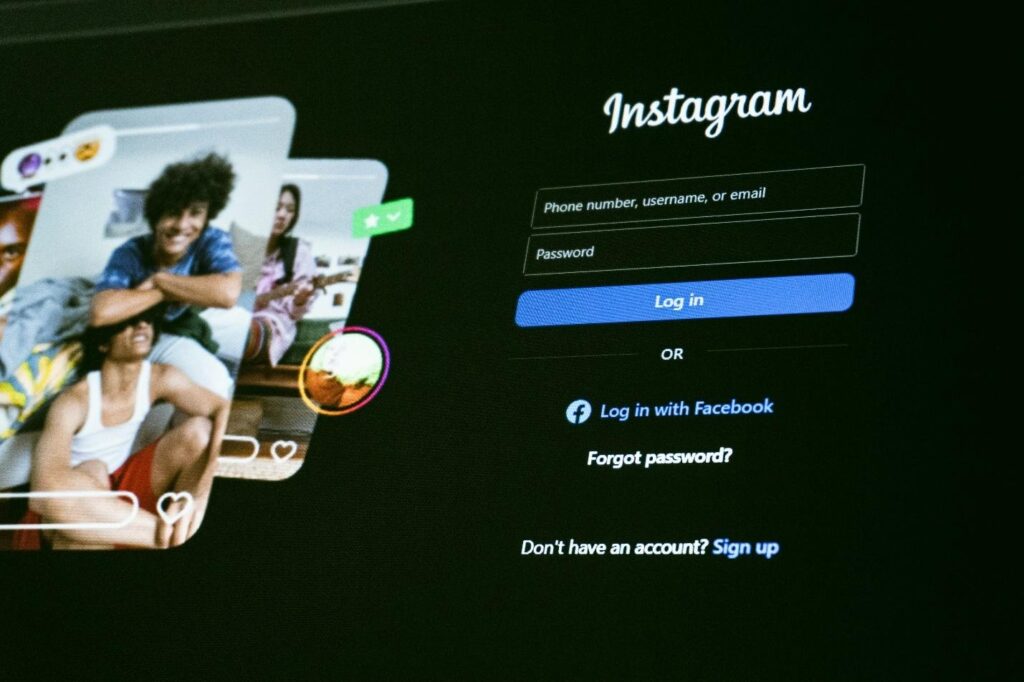
Then comes the trapdoor. The site “needs” the Instagram login to show results. Sometimes it opens a lookalike login screen. Sometimes it says “Log in to confirm ownership.” Either way, it is not Instagram.
If a password is typed there, the scammer can capture it. Some pages also ask for a code that gets sent by text. That code can hand the account over in seconds.
The Aftermath (Spam, Lockouts, Recovery)
The damage shows up fast or slow, depending on the scam. Some people notice right away because they get logged out. Others notice later when friends say they received strange messages.
Common outcomes include spam sent from the account, profile changes, and security locks that block the real owner. Even when the account is recovered, it can take time to rebuild trust with contacts.
Why These Scams Work on Smart People Too?
Smart people fall for these scams for the same reason smart people fall for any trick. It hits at the wrong time.
A few real-life reasons it works:
- The site looks clean, and clean design feels safe.
- The user is stressed, curious, or embarrassed and wants a quick answer.
- The scam uses small steps, so each click feels harmless.
- People assume “anonymous” means “no risk,” which is not true online.
- The promise sounds like a tool, not trouble, so guardrails drop.
Phishing also works because it plays on routine. People type passwords all day. When a page looks familiar, hands move before the brain checks the details.
How to Spot Trouble Early?
It helps to know the red flags before the page gets its hooks in. If any of these show up, closing the tab is the safest move.
Here are early warning signs tied to private Instagram viewer traps:
- Password boxes that appear on a non-Instagram page
- Endless “human verification” loops that never finish
- Prompts to install an extension, app, or file
- Requests to allow notifications “to continue”
- Claims like “works on any private profile” with no limits
- Sudden redirects to unrelated pages and popups
- Pressure language like “Act now” or “Last chance”
One more quick check: look at the address bar and the feel of the page. If it is packed with ads, strange spelling, or copied logos, trust that gut feeling. Close it and use the Instagram app’s built-in help instead.
A simple safety habit also helps. If a page looks suspicious, do not “test it with a spare account.” That still risks the device and the browser.
Safer Option: Public-Only Viewing Tools
The safer lane is public-only checks. Public profiles, public posts, and public bio links can still give useful context. It is not everything, but it is real, and it does not require a risky detour.
A safer approach looks like this:
- Check what is publicly visible, and stop there.
- Use official privacy tools and reporting options inside Instagram.
- Talk to the person if consent is part of the situation.
- For parents, use Instagram’s built-in supervision features rather than secret workarounds.
This keeps the focus on safety instead of trying to get around privacy.
Goonview Role as a Public-Only Viewer

Public-only tools can help people do quick checks without stepping into scam pages. The goal is not private access. The goal is staying away from risky funnels.
Public Content Focus
If a profile is public, a tool can help view what is already available. If it is private, it should stay private. That clear boundary matters.
No-Login Browsing
A safer tool does not ask for Instagram credentials. That cuts out the biggest risk in these scams, which is handing over a password or a code.
Simple Navigation + Stable Access
Clean navigation reduces accidental clicks on ads and redirects. It also helps users finish the check and move on, instead of getting stuck in a click maze.
Conclusion
A private Instagram viewer scam usually starts with a promise and ends with regret. The journey is designed to feel harmless until the moment it asks for something valuable, like a login or a code.
The best defense is boring and simple. Avoid pages that offer private access, refuse any login prompts outside Instagram, and stick to public-only checks or built-in supervision tools. That way, curiosity does not turn into an account takeover headache.