Private Instagram Viewer vs Privacy Settings: A Simple Guide for 2026
There is a myth that private posts are hidden, but still reachable through the right private instagram viewer tool. Instagram’s privacy system is simpler. If an account is private, only approved followers can see the posts. A viewer cannot override that approval step. It can only show what is already public. When a site claims it can reveal private posts with no follow request, it is often misleading or trying to pull someone into phishing.
This guide explains what privacy controls change, what a viewer can show, where the risk starts, and safer habits.
What Instagram Privacy Controls Really Change?
The biggest switch is the account privacy setting. Instagram shows how to make an account private in settings. When the account is private, individuals must make a follow request to access postings, and the owner may accept or refuse it. Posts may be seen by anyone on Instagram while the account is public.
Privacy controls also shape day-to-day interaction:
Instagram also has smaller controls that people forget until they need them. For instance, tagging and mentions still follow account privacy. When someone is tagged in a post by a private account, the post remains private and is only visible to authorized followers. Many of these settings are grouped under visibility controls on Instagram, along with the ability to follow, comment, and engage.
- Message request controls can keep strangers out of the main inbox.
- Filters can hide unwanted comments and message requests.
- Limits can temporarily reduce unwanted comments and messages from groups of accounts.
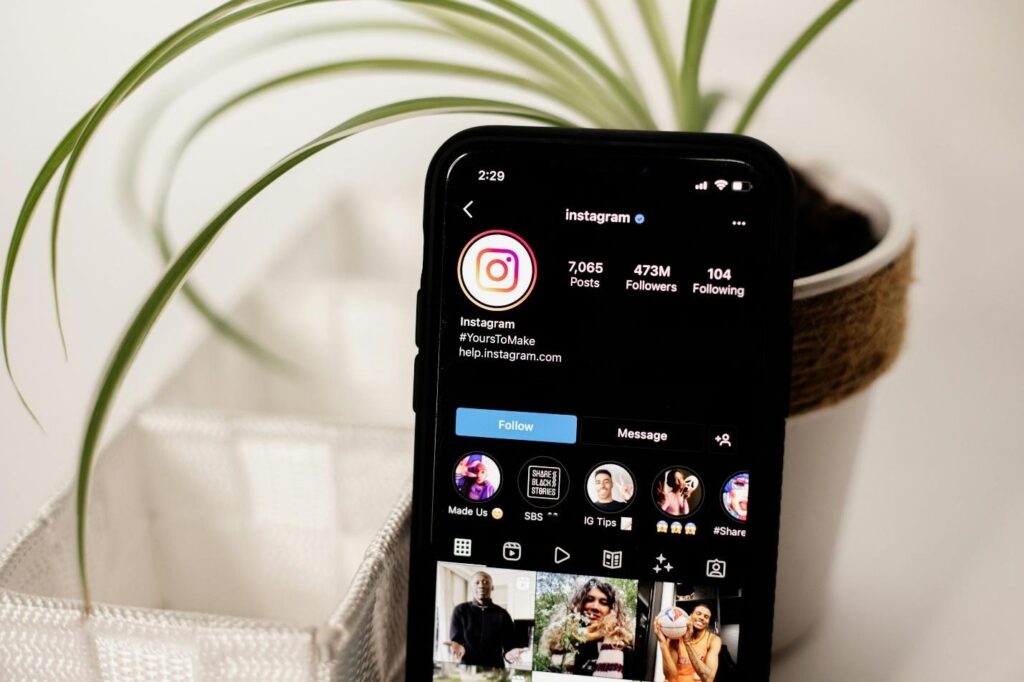
There is also a difference between “content privacy” and “profile visibility.” Instagram provides publicly accessible profile information, including name, username, profile picture, bio, links, and follower numbers. That is why a private account might still appear recognizable at a glance, even when the post grid is closed.
What a Viewer Can Show (Public Only)?
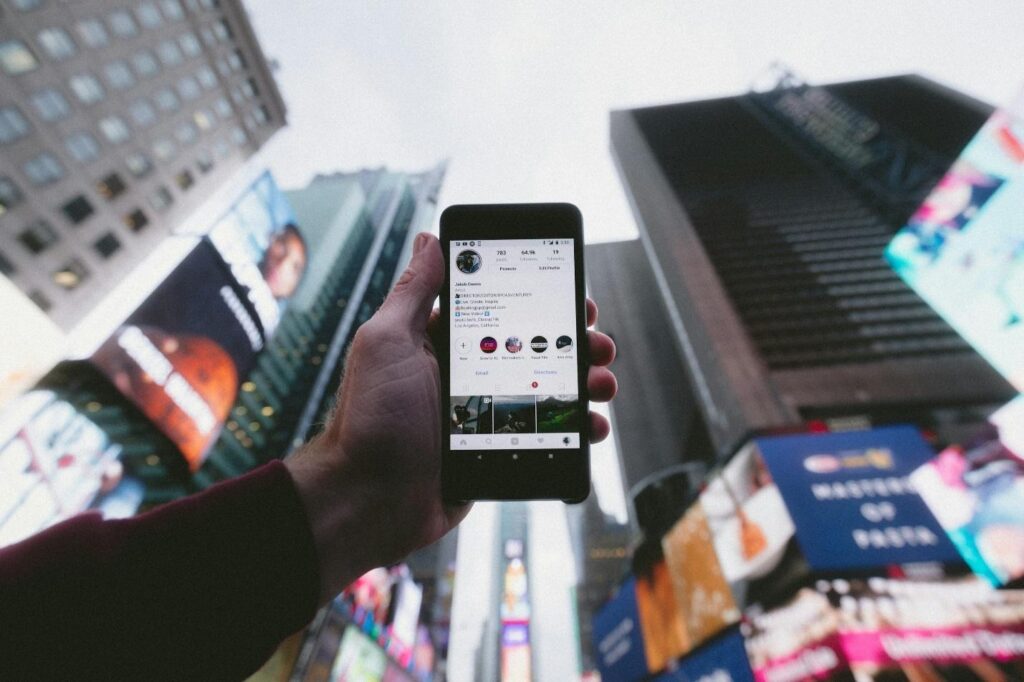
A private Instagram viewer, in the honest sense, is just a way to view public information. If a profile is public, a viewer may show public posts and captions. If a profile is private, the viewer can only show the profile details Instagram keeps visible.
Instagram also explains that on the web, private profiles and posts are visible only to people logged in who have been approved to follow.
Public-only viewing can still help with basic checks, like confirming a username or reading a bio before clicking a link. Since key profile details stay visible, many “is this real?” questions can be answered without private access.
So, if a random site claims it can show a private feed in a browser tab with no login, the claim does not match how privacy works.
The Risky Gap: When People Want More Than Public
The danger starts when someone wants private posts without permission. That urge is common. People feel curious, anxious, or rushed, and a “private Instagram viewer” promise sounds like a shortcut.
Scam sites take advantage of this gap with a predictable pattern: a clean search box, a progress bar, a wall that says “verify,” and a login page that looks official.
Instagram warns users to avoid suspicious messages and links, and says Instagram will never send a direct message asking for a password. Instagram also provides tools to help people validate what is real. “Emails from Instagram” lets users review official emails sent in the last 14 days to help identify phishing and spam. And if a password reset email arrives that was not requested, Instagram outlines steps to protect the account.
If the real goal is access to private content, the safe options are limited on purpose: request to follow, ask directly, or accept a no. Anything else tends to end with lockouts and recovery work.
Goonview as the Private Instagram Viewer Tool
Some people use the phrase “private Instagram viewer” when they actually mean “a cleaner way to check public information.” That is where Goonview can fit, as long as it stays public-only and does not claim to bypass privacy settings.
Public content viewing focus
Goonview can help people view content that is already public. It does not turn private posts into public posts. A private account still limits posts to approved followers.
Privacy-first browsing without logins
No-login browsing reduces risk because phishing usually needs one thing: credentials. Instagram’s phishing guidance tells users not to click suspicious links or share passwords, and it points people toward safer in-app checks. If any “viewer” asks for an Instagram password, a one-time code, or payment to “unlock results,” it should be treated as unsafe.
Speed + simple navigation
A lot of scams win on impatience. If someone just needs to confirm a username, read a public bio, or check a public link, a simple interface can keep the task focused and lower the urge to click “unlock private” popups.
Safe Habits for Anyone Using Instagram
Privacy settings help, but everyday habits do most of the protection:
- Turn on two-factor authentication and review account security settings.
- Use message request controls so strangers do not reach the main inbox as easily.
- Use filters that hide unwanted comments and requests, and consider Limits during harassment spikes.
- Treat “verify to continue” prompts outside the app as suspicious, especially if they ask for passwords or codes.
- When a security email feels strange, check “Emails from Instagram” instead of trusting the inbox link.
The strongest safety still comes from approving followers carefully and keeping personal info out of bios and DMs.
Conclusion
A private Instagram viewer can only show public information. Instagram’s privacy settings are designed so private posts stay visible only to approved followers, and that rule does not change.
For public checks, a no-login option like Goonview can be a safer alternative to sketchy “unlock” sites when it stays focused on public content only. For private access, the right move is permission, not a workaround. When something feels off, pause and use Instagram’s in-app tools to verify official emails before clicking another link.